
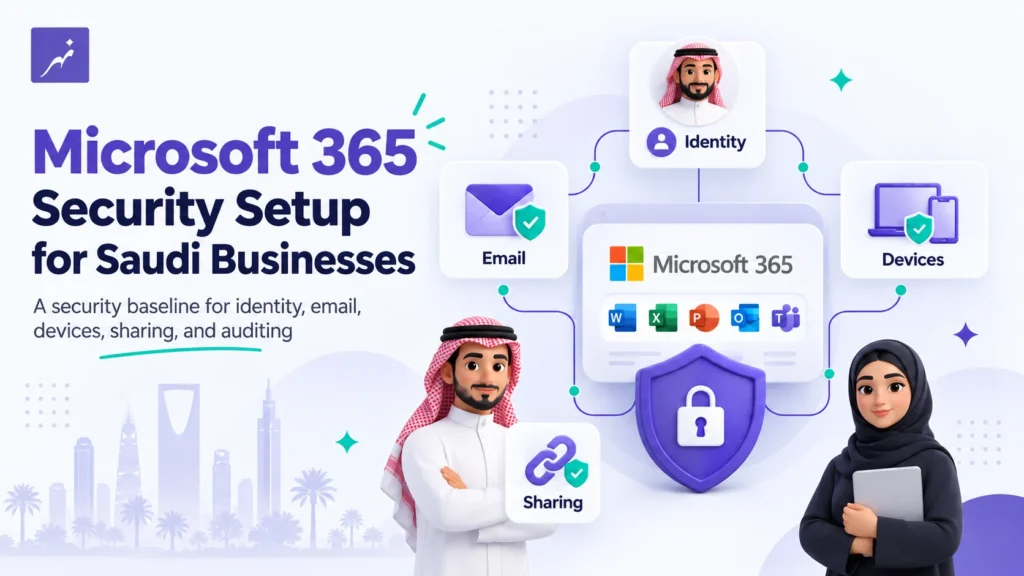
Purchasing Microsoft 365 gives your organization access to email, collaboration, identity, device-management, and security capabilities. It does not, by itself, mean that the tenant has been configured according to your organization’s security requirements.
A proper Microsoft 365 initial setup reviews how users authenticate, who holds administrative privileges, how information can be shared externally, how the business email domain is authenticated, and whether important protection and audit capabilities are operating as expected.
For Saudi SMEs, establishing this baseline early can reduce avoidable exposure and create a cleaner foundation for more advanced controls later.
NHR Essential Security Foundation — Eligibility
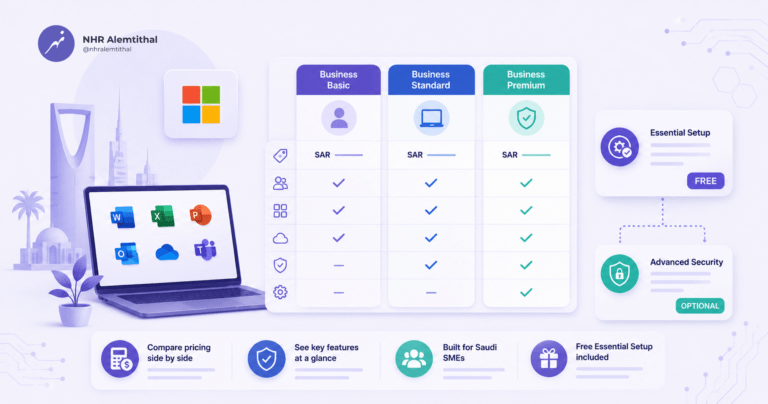
Purchase 10 or more qualifying Microsoft 365 Business Basic, Business Standard, or Business Premium subscriptions through the NHR Store, and the defined nine-area Essential Security Foundation is included at no additional ESF service fee for one qualifying tenant.
The target implementation window is 24–48 hours after the qualifying order is confirmed and the required tenant and DNS access is available.
ESF is a defined security baseline, not a complete managed-security or compliance program.
1. Default Configuration Is Only the Starting Point
Microsoft 365 supports businesses with very different operational requirements, so a newly created tenant still requires review.
Administrators should assess authentication, administrator roles, external sharing, email protection, device controls, and auditing against the organization’s actual requirements.
The objective is not to restrict legitimate work unnecessarily. It is to make intentional configuration decisions rather than assuming that a working tenant is already a secure tenant.
2. Review Legacy Authentication Carefully
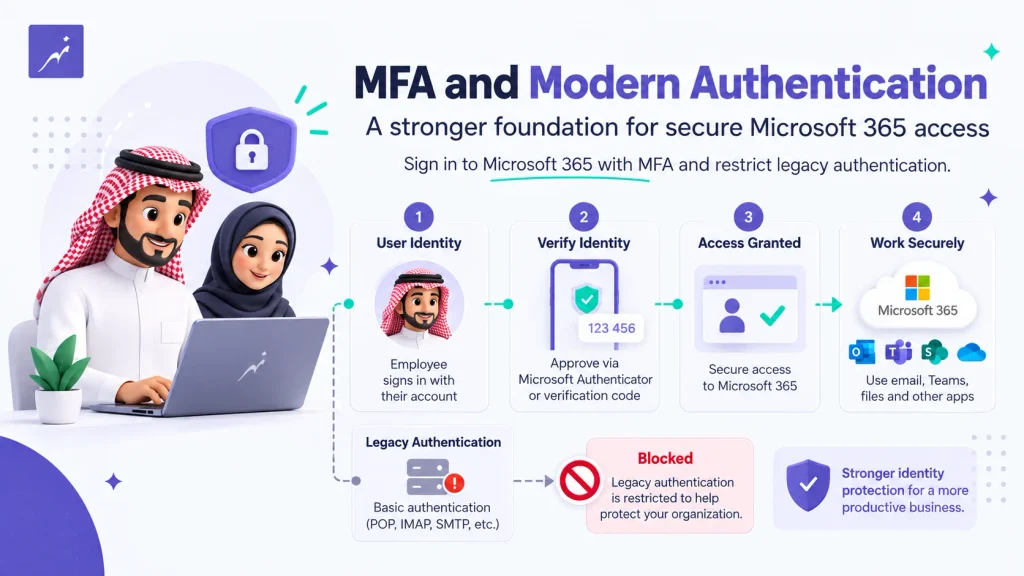
The security issue is not simply whether POP, IMAP, or SMTP exists.
Microsoft supports OAuth for IMAP, POP, and SMTP in supported scenarios. The greater concern is Basic or legacy authentication and applications that still depend on older credential flows.
Organizations should identify legacy dependencies, restrict unnecessary authentication methods, and avoid disabling business-critical integrations before understanding how they authenticate. Microsoft Entra Security Defaults also blocks legacy authentication requests.
The Protocol Itself Is Not the Problem.
POP, IMAP, and SMTP can use OAuth in supported Microsoft 365 scenarios. The security focus should be on Basic/legacy authentication and unnecessary legacy dependencies, not protocol names alone.
3. MFA Requires Configuration and Validation
Multi-Factor Authentication adds another verification factor when a password is compromised.
Security Defaults requires users to register for MFA, requires administrators to perform MFA, and prompts standard users when Microsoft determines additional verification is necessary. Conditional Access provides more granular control where Microsoft Entra ID P1 or P2 licensing is available.
A proper rollout should include user registration, administrator review, testing, and communication—not simply enabling a setting.
4. Separate Privileged Administration from Daily Work
Accounts with elevated privileges create greater impact if compromised.
Apply the principle of least privilege, limit unnecessary Global Administrator assignments, and separate privileged administration from normal email and productivity activity.
Dedicated administrative accounts also make access easier to review and govern as the organization grows.
5. Authenticate the Business Email Domain
SPF, DKIM, and DMARC are core components of modern email authentication.
SPF identifies approved sending infrastructure, DKIM cryptographically signs messages, and DMARC evaluates alignment while allowing the domain owner to publish a handling policy.
These controls reduce domain-spoofing risk, but they do not guarantee inbox placement. They must also reflect every legitimate system that sends email on behalf of the organization.
What Does the Essential Security Foundation Cover?
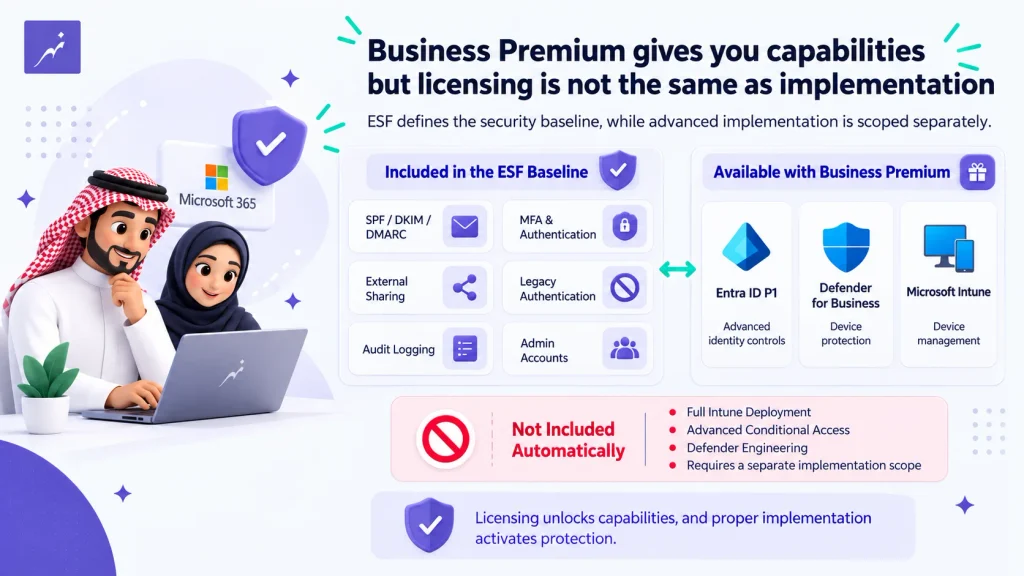
NHR’s ESF covers nine baseline areas:
- MFA and authentication baseline
- SPF, DKIM, and DMARC
- Legacy authentication review
- External sender identification
- External sharing guardrails
- Mobile and device baseline
- Exchange Online Protection baseline
- Dedicated administrator accounts
- Audit logging validation
Microsoft notes that auditing is not enabled by default for some SMB licenses, including Business Basic, Business Standard, and Business Premium, so verifying its status is an important implementation step.
Business Premium Licensing Is Not the Same as ESF Scope
Microsoft 365 Business Premium includes Microsoft Intune, Microsoft Defender for Business, and Microsoft Entra ID P1.
However, licensing a capability and implementing it are different activities.
ESF Scope Boundary
Business Premium licensing does not make full Intune deployment, advanced Conditional Access design, or advanced Defender engineering part of the included ESF baseline.
Those requirements are scoped separately when needed.
Start with a Documented Security Baseline
Microsoft 365 security is not created by one switch or one license.
It comes from deliberate decisions around identity, email, permissions, sharing, devices, and auditing.
For qualifying NHR Store orders, ESF provides a defined starting point. Organizations with existing environments, migration requirements, legacy dependencies, or more advanced security needs can extend that baseline through separately scoped Microsoft 365 professional services.
FAQ
Is ESF included with every Microsoft 365 purchase?
No. The included offer requires a qualifying NHR Store order of at least 10 Microsoft 365 Business subscriptions.
Which plans qualify?
Business Basic, Business Standard, and Business Premium can qualify, subject to the service eligibility conditions.
How long does implementation take?
The target is 24–48 hours after order confirmation and after the required tenant and DNS access is available.
Does ESF include full Microsoft Intune deployment?
No. ESF applies the device and mobile baseline within its defined scope. Full Intune deployment and endpoint enrollment are scoped separately.
Does Business Premium include Intune and Defender for Business?
Yes. Business Premium includes Intune, Defender for Business, and Entra ID P1.
Can existing customers who purchased licenses elsewhere receive ESF?
The included ESF offer applies to qualifying subscriptions purchased through the NHR Store. Existing environments can be assessed through a separately scoped professional-services engagement.
REFERENCES
- Microsoft Learn — Security Defaults in Microsoft Entra ID.
- Microsoft Learn — Authenticate IMAP, POP, or SMTP Using OAuth.
- Microsoft Learn — Microsoft 365 Business Premium Security FAQ.
- Microsoft Learn — Turn Auditing On or Off.
- Microsoft Learn — Set Up MFA for Microsoft 365.
- NHR Alemtithal — Microsoft 365 Essential Security Foundation.
Need help with Aramco CCC Certification?
Get a Free Expert Consultation.