One of the legal documents that required to obtain Aramco Cybersecurity Compliance Certificate is a valid Commercial Registration (CR), in this blog post we will guide you how to download the English version of your Commercial Registration (CR).
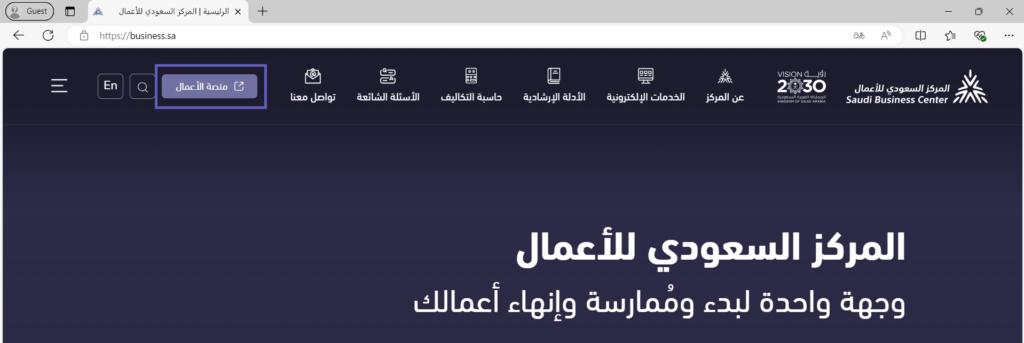
Open your browser and access Saudi Business Center and click Business Platform
Click on Login through the unified national access
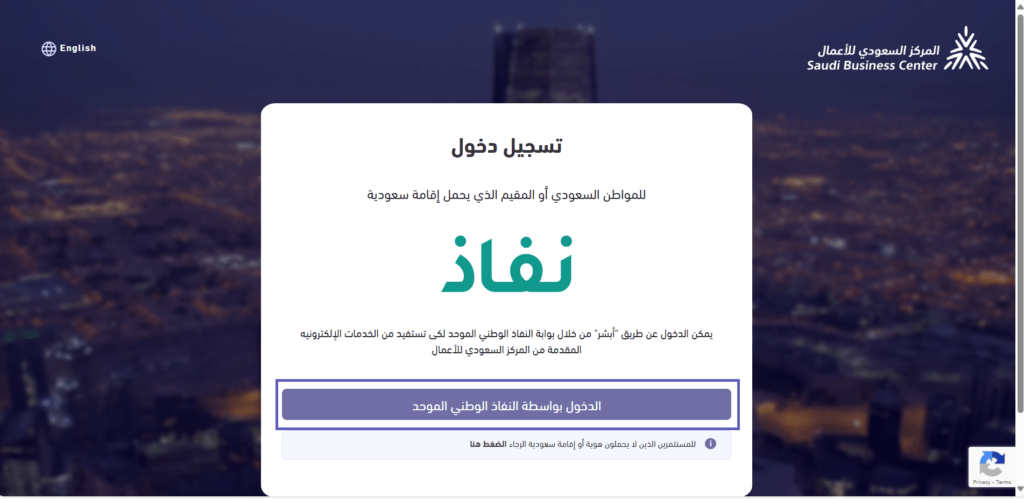
Login using your NAFAD user
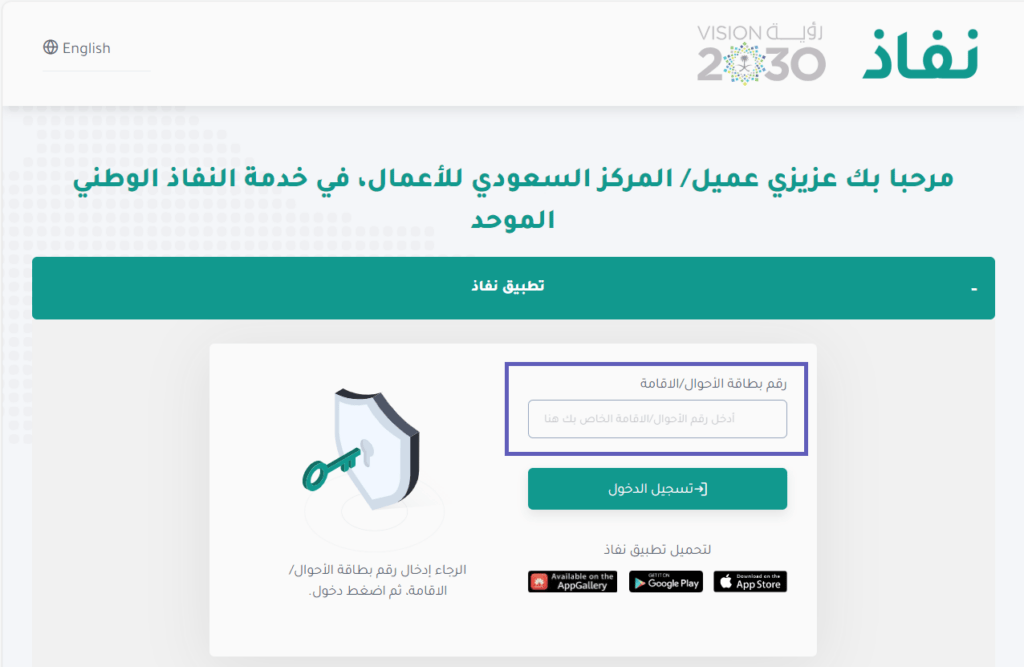
after successful login, you will be redirected to Saudi Business Center, click on Commercial Registrations

choose your CR that you need to download, click Print and then Print Cr En
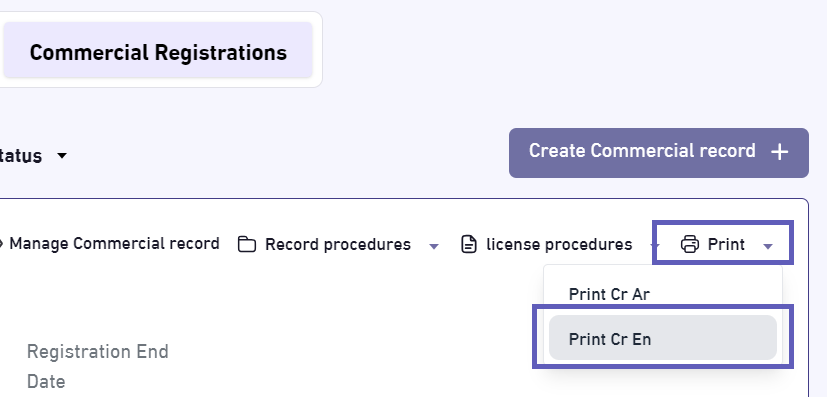
Save the downloaded pdf file in your desktop.
that’s all.
Fast-Track Your Compliance
Need help with Aramco CCC Certification?
Get a Free Expert Consultation.